CrewSync: Bridging the Communication Gap in Live Events
A UX/UI Case Study
Who, What, and Why
CrewSync is a communication platform I designed from the ground up for teams working in live events — weddings, festivals, concerts, and everything in between. The idea grew out of something I lived through firsthand.
I've worked event days where the walkie-talkie feed cuts out at the exact moment a vendor changes locations. I've watched a caterer make a last-minute swap that never reached the day-of coordinator, because the information had to travel through three people before it landed. Every event professional has a version of this story. That friction — the gap between knowing something changed and everyone else knowing it changed — is what CrewSync set out to fix.
Overview
Event professionals rarely fail because of poor planning. They fail because of poor communication on the day it matters most. Crew Sync was born from a simple question: how do we bridge the communication gap between people working live events, so fewer hiccups happen on event day?
As the sole designer on this project, I built a platform that gives every team member instant access to the same information, in real time, even without a stable Wi-Fi connection. The result reflects Consistency and Standards — every user, regardless of role, sees the same schedule updates, permits, and venue changes through one shared source of truth.
Finding Inspiration
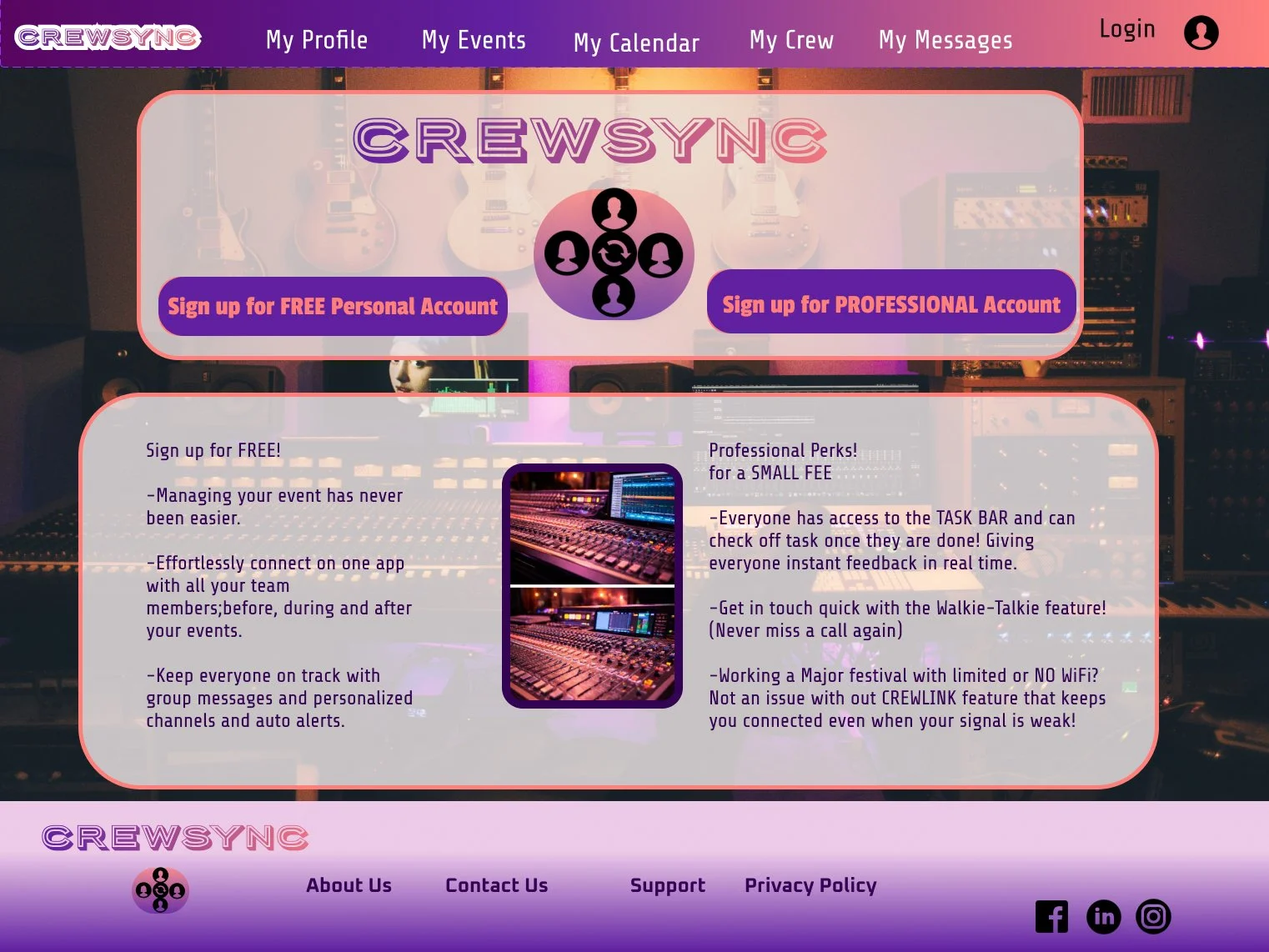
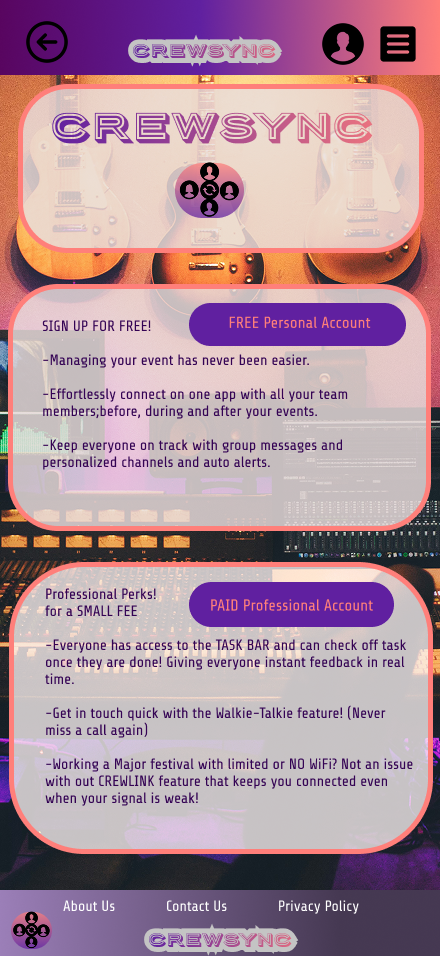
Event communication tends to be hierarchical. Information starts at the top and trickles down, and by the time it reaches the person who actually needs it, the moment has often already passed. I wanted to break that chain. My goal was a platform where permits, catering details, and venue changes live in one shared space, so every team member sees the same update at the same time — no relay required. I also built in an offline mode for spotty festival WiFi, plus a walkie-talkie feature, so no one ever misses a call again.
The Role of the Platform
The audience for CrewSync ranges from full-scale festival production teams to someone planning a small backyard wedding. What they share is the need for one reliable source of truth. Multiple chat channels let each discussion — vendors, timeline, day-of logistics — live in its own thread, so nothing gets buried and nothing has to be remembered by any one person. This directly supports recognition rather than recall, one of Nielsen's core heuristics: information stays visible and organized instead of relying on someone's memory during a stressful moment.
During the event itself, the offline feature keeps festival crews and even groups of festival-goers connected — coordinating stage meetups, food runs, or last-minute changes — without depending on cell service holding up once the crowd arrives.
Research
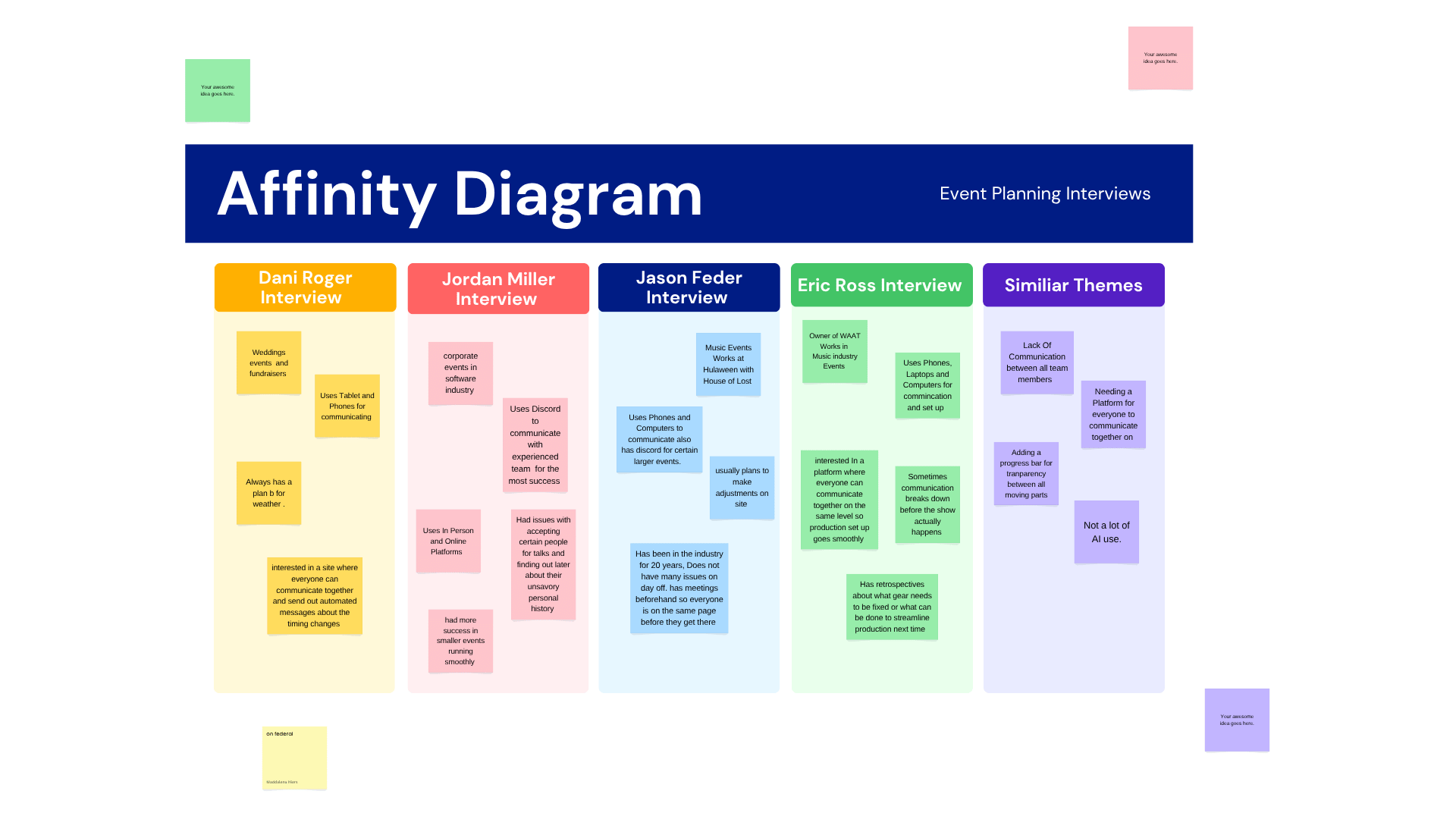
I started with the problem, not the solution. I conducted five interviews as my primary research method, because I wanted to hear directly from people living this problem daily, across different corners of the event industry. Some interviews happened in person, others remotely, and I recorded each one so I could revisit them later without losing detail.
One interview stood out. Dani, a wedding planner, told me she needed a quick way to relay last minute changes on the day of the ceremony. That single comment confirmed what I already suspected: this wasn't an isolated issue. It was systemic.
From there, I ran the interviews through card sorting and affinity mapping to find patterns across industries. The pattern was consistent: last-minute changes fell through the cracks, and the people affected by those changes were often the last to know. That gap is where friction — and real day-of problems — begins.
This stage reflects match between system and real world: rather than designing a generic messaging app, I built the platform around the actual, chaotic way information moves (or fails to move) on an event day.
Define
I structured the project using the Double Diamond framework — Discover, Define, Develop, and Deliver — weaving interviews naturally into the early stages while keeping the overall process linear.
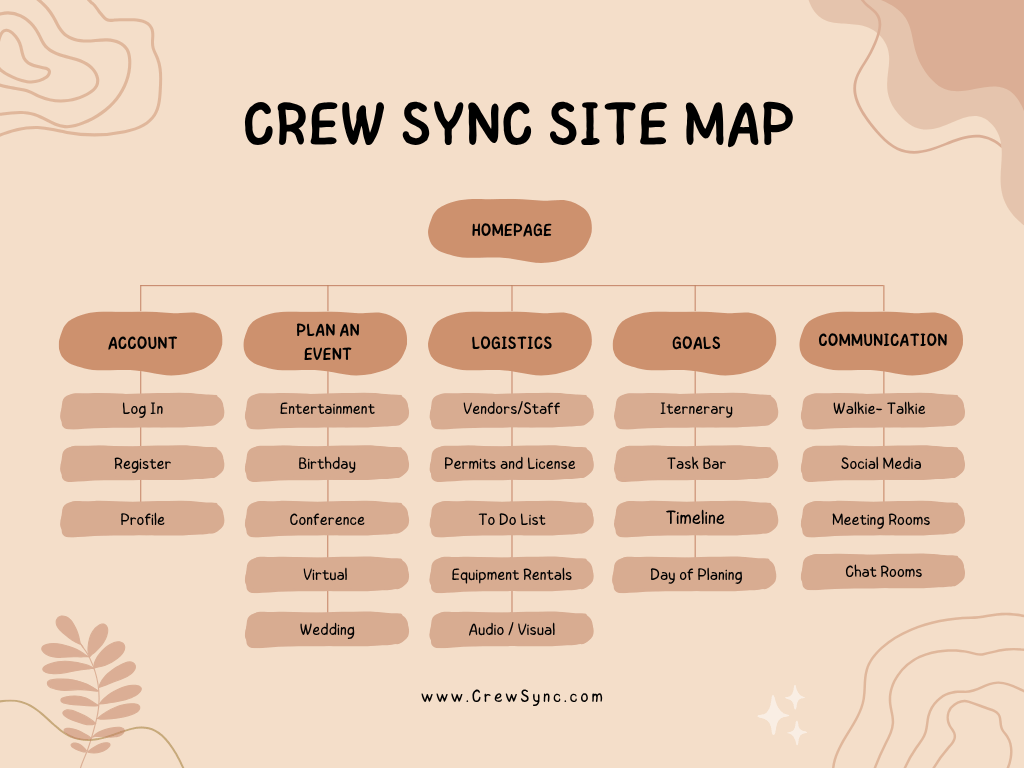
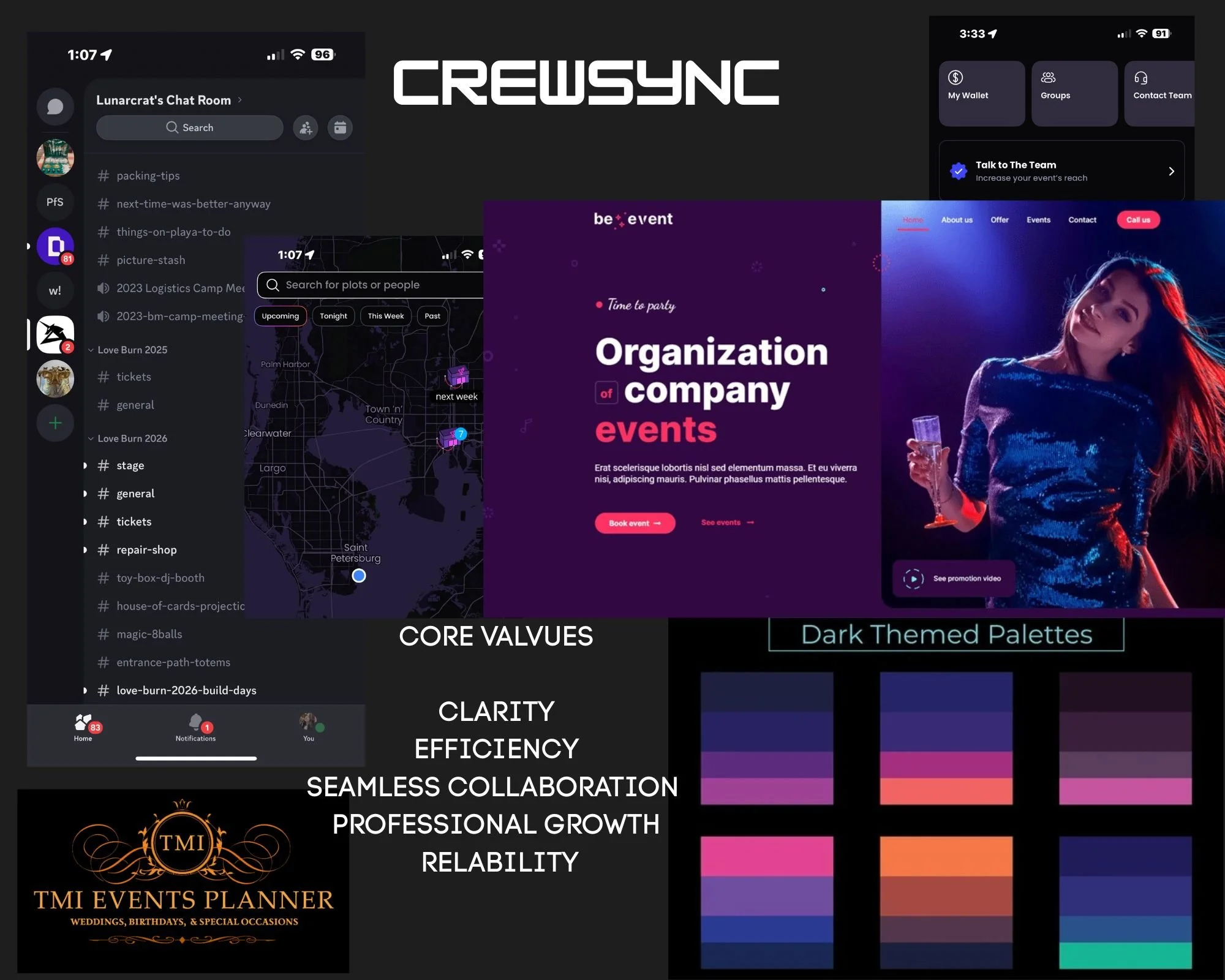
To translate research into structure, I built a site map, user flows, and task flows, supported by additional rounds of card sorting. This helped me identify which features were essential and which could be set aside, streamlining the path toward wireframing. I also developed a mood board and color exploration, gathering outside inspiration to clarify the platform's visual direction. Every round of feedback shaped the next iteration, reinforcing User Control and Freedom — designing a system flexible enough to evolve based on real input, even when that meant letting go of ideas I was initially attached to.
Design
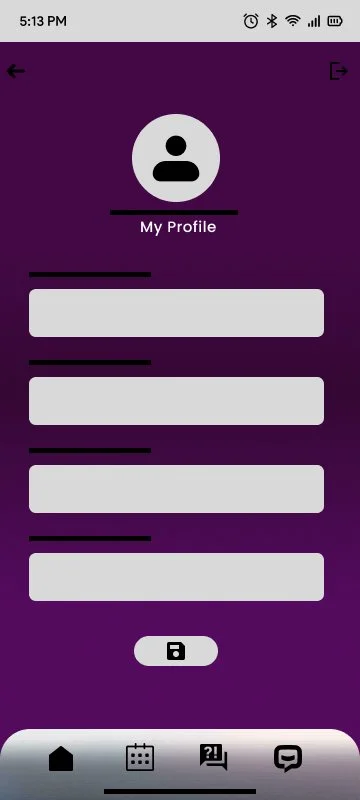
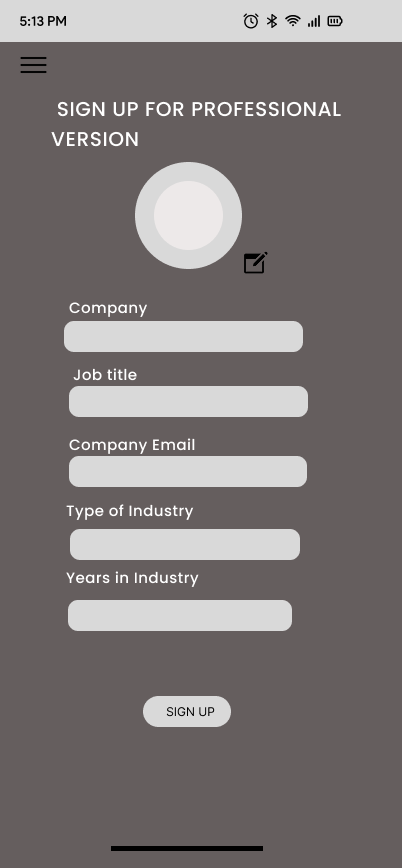
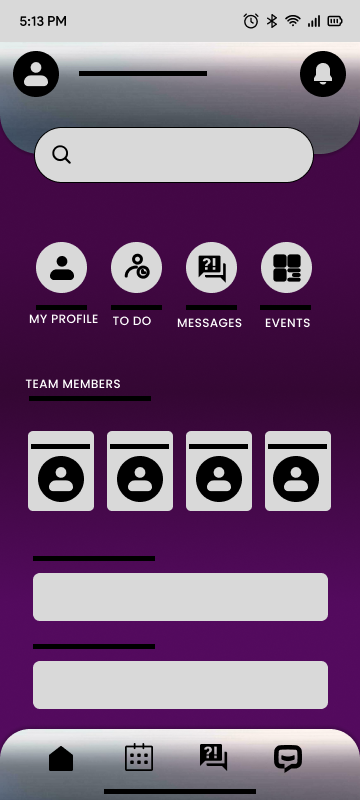
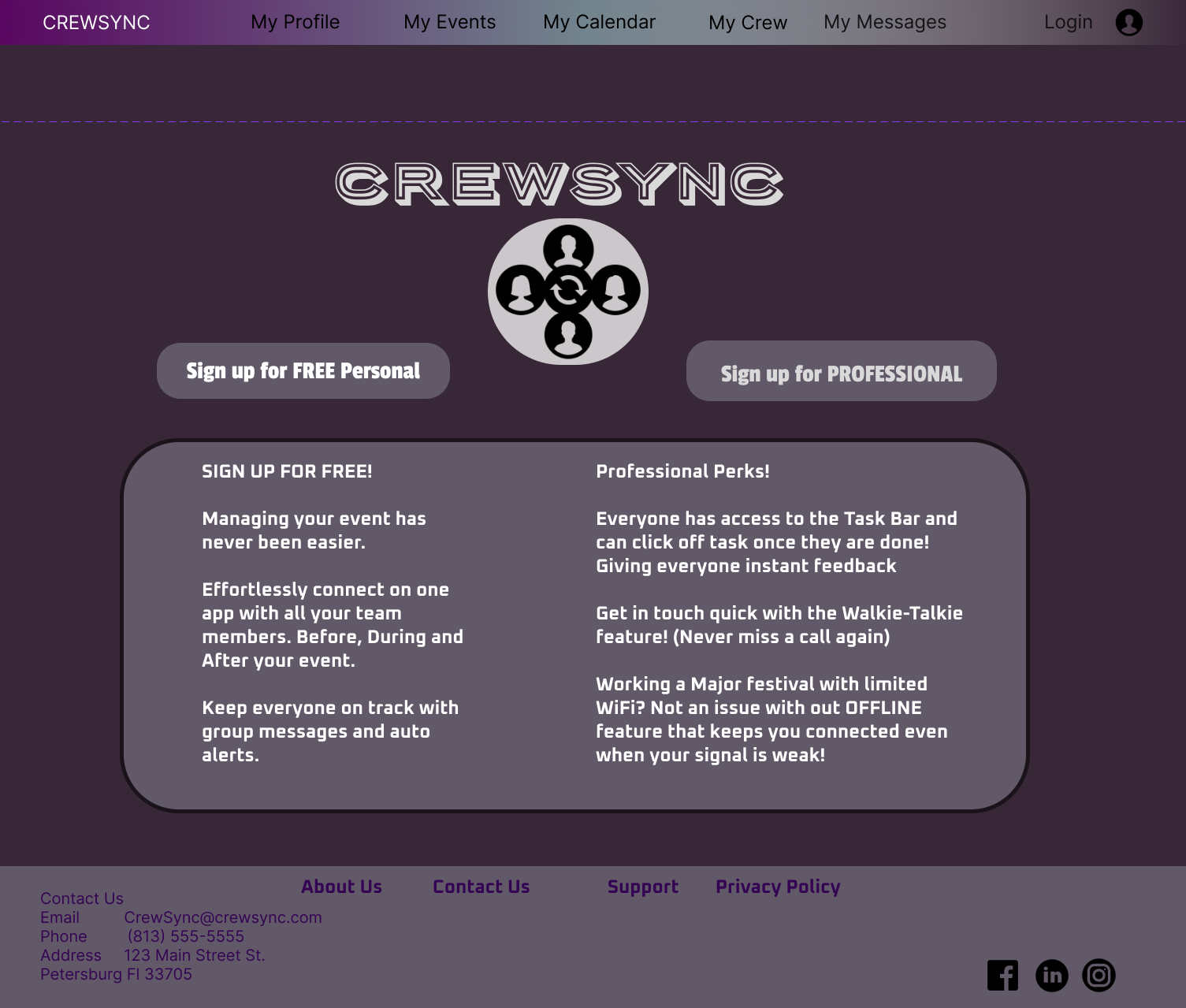
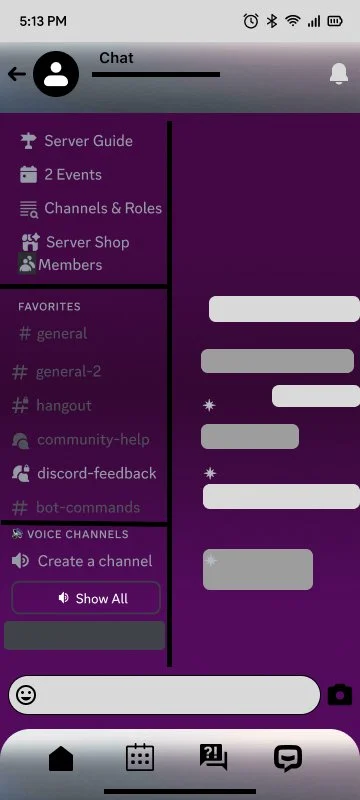
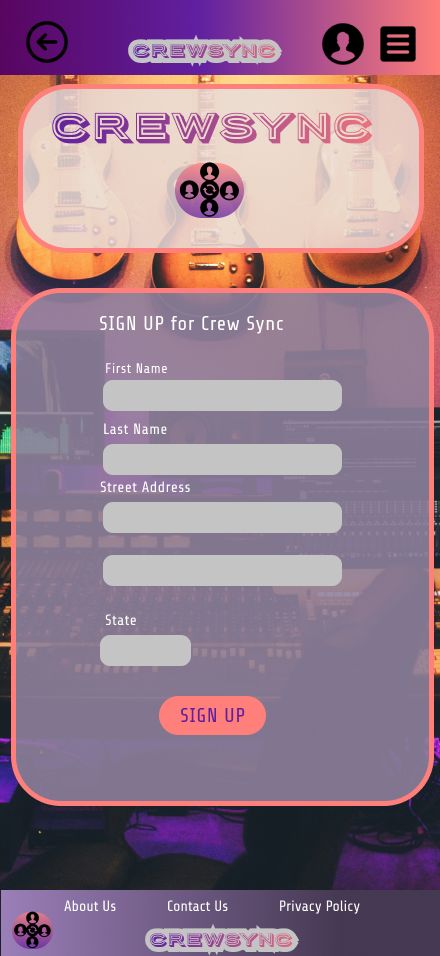
I resisted the urge to design everything at once. Instead, I built low-fidelity mobile wireframes first, to lock in a strong foundation before adding visual polish. From there, I moved into mid-fidelity, introducing color and building out the responsive desktop views alongside mobile. Finally, I brought the full vision to life in high fidelity.
Discord was a major reference point — I liked how its channel structure let conversations stay organized without overwhelming the user, which mapped directly onto CrewSync's need for topic-specific threads. This also reinforced flexibility and efficiency of use: experienced teams could move quickly between channels, while newer users could still follow a clear, linear structure.
For color, I chose a vibrant sunset palette instead of the dark, utilitarian look many productivity tools default to. It felt more inviting, and it kept the interface from feeling like "just another work tool" during high-stress event days. This was a deliberate nod to aesthetic and minimalist design — vibrant, but never at the cost of clarity.
User Testing
Method: In-person and remote usability testing
Participants: 5–8
Session Length: 30–60 minutes
Testing Phase: Mid-fidelity
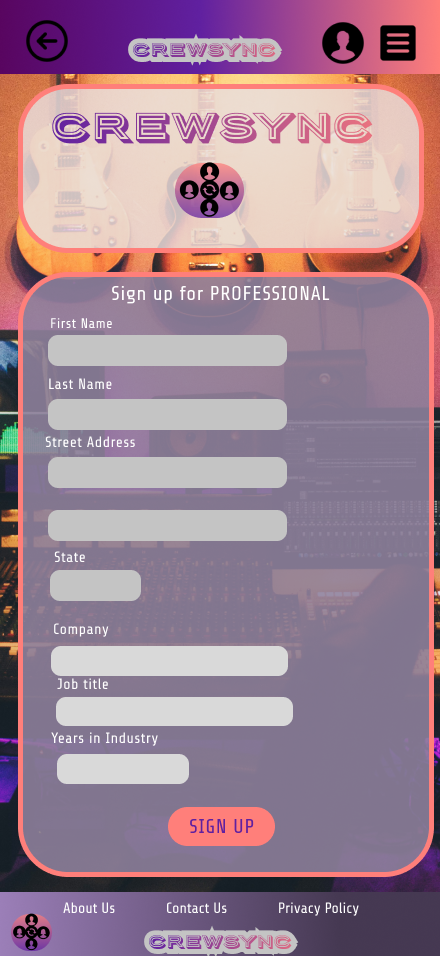
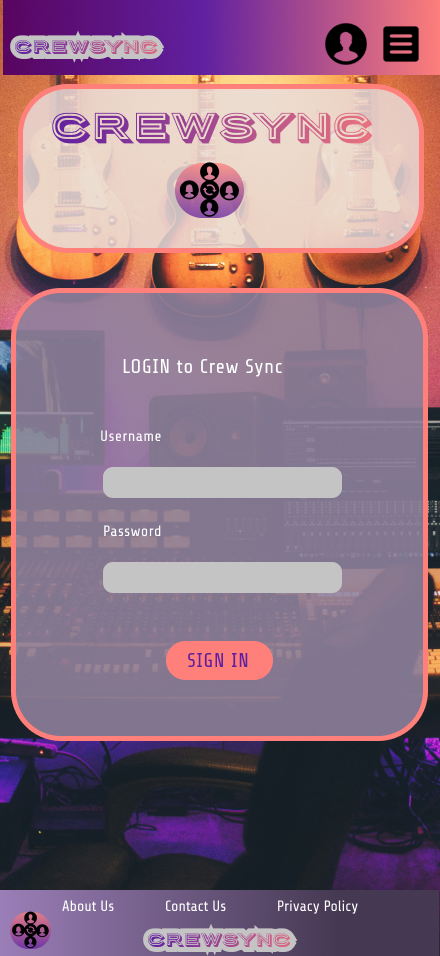
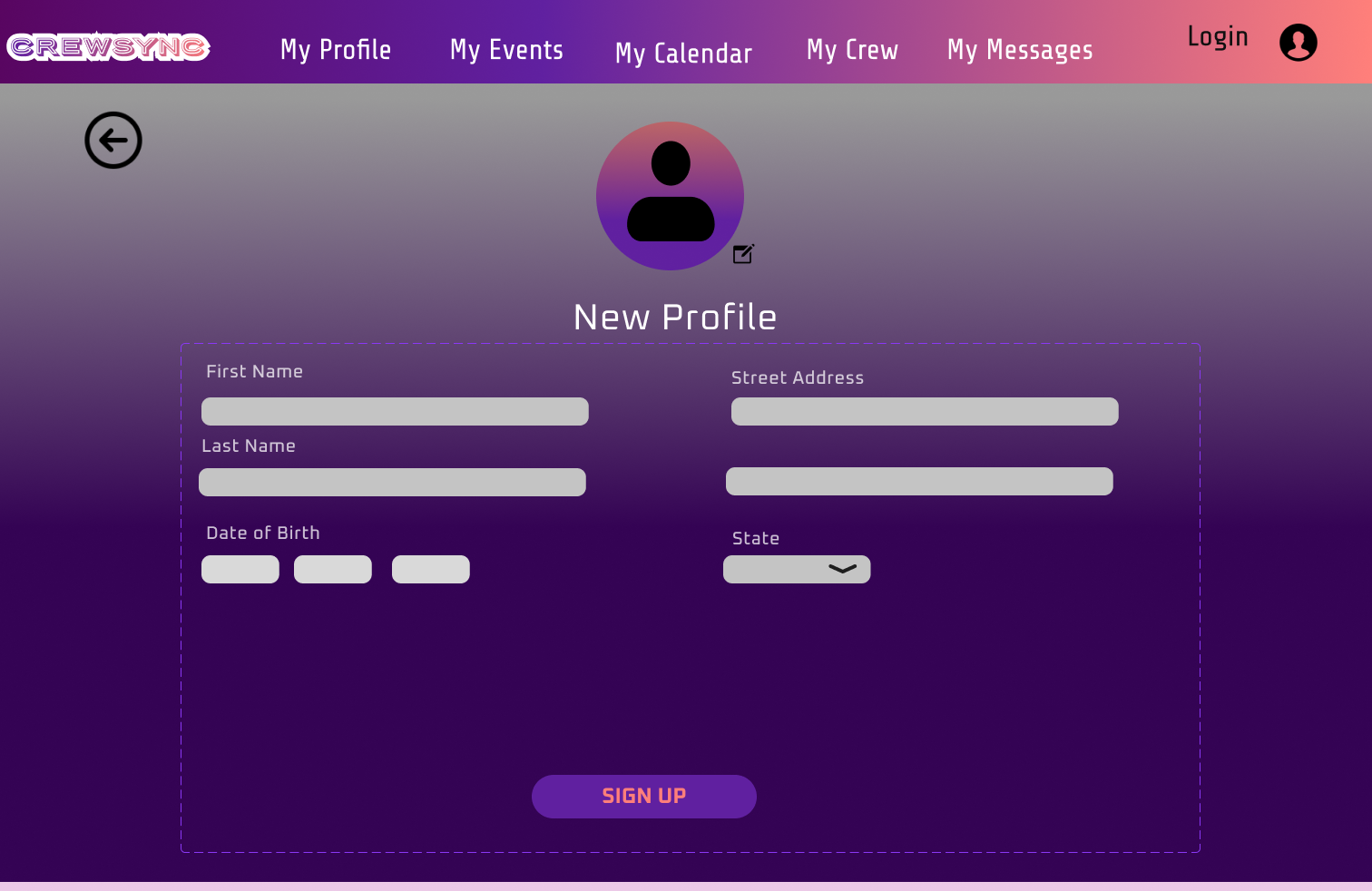
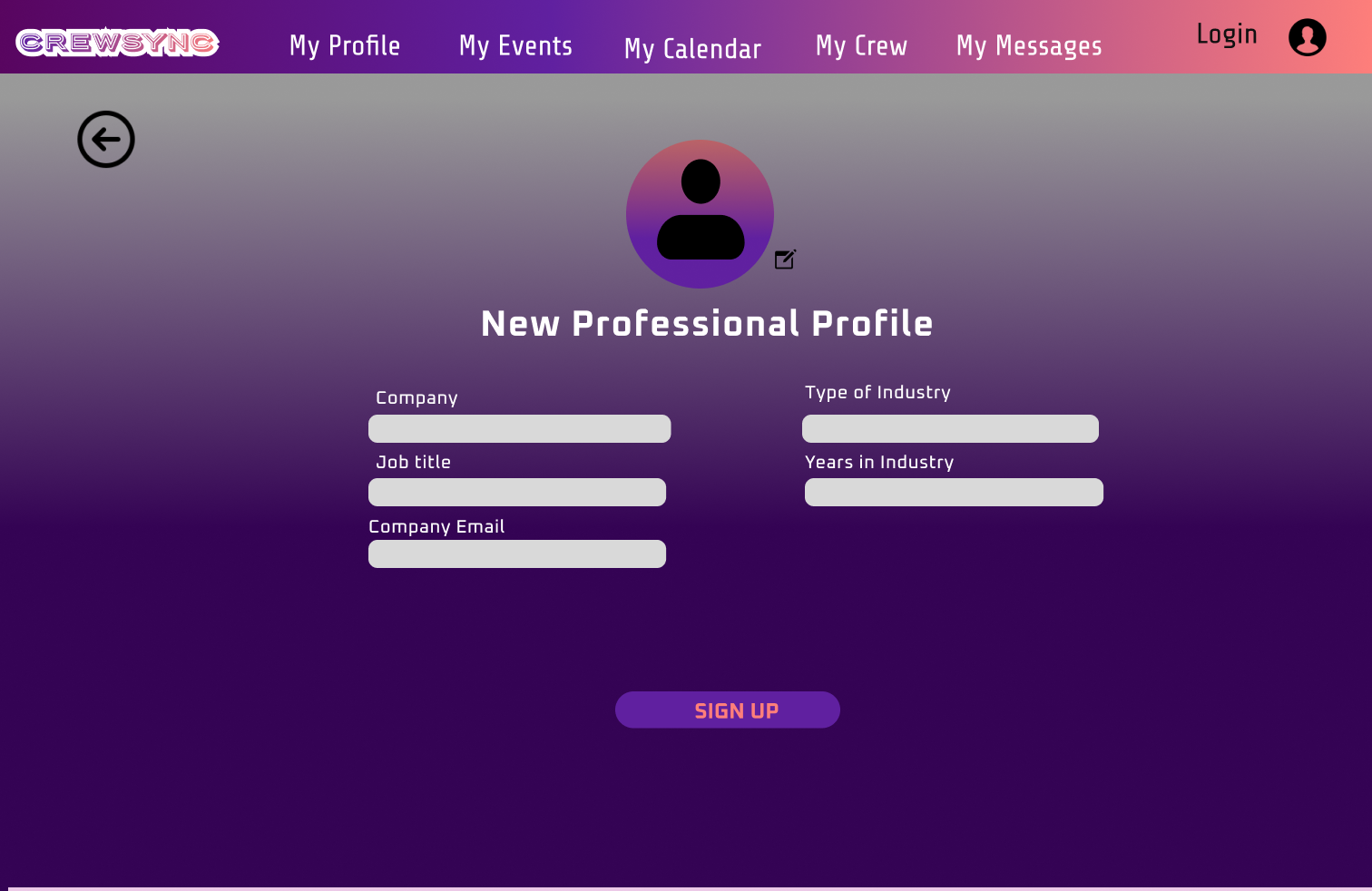
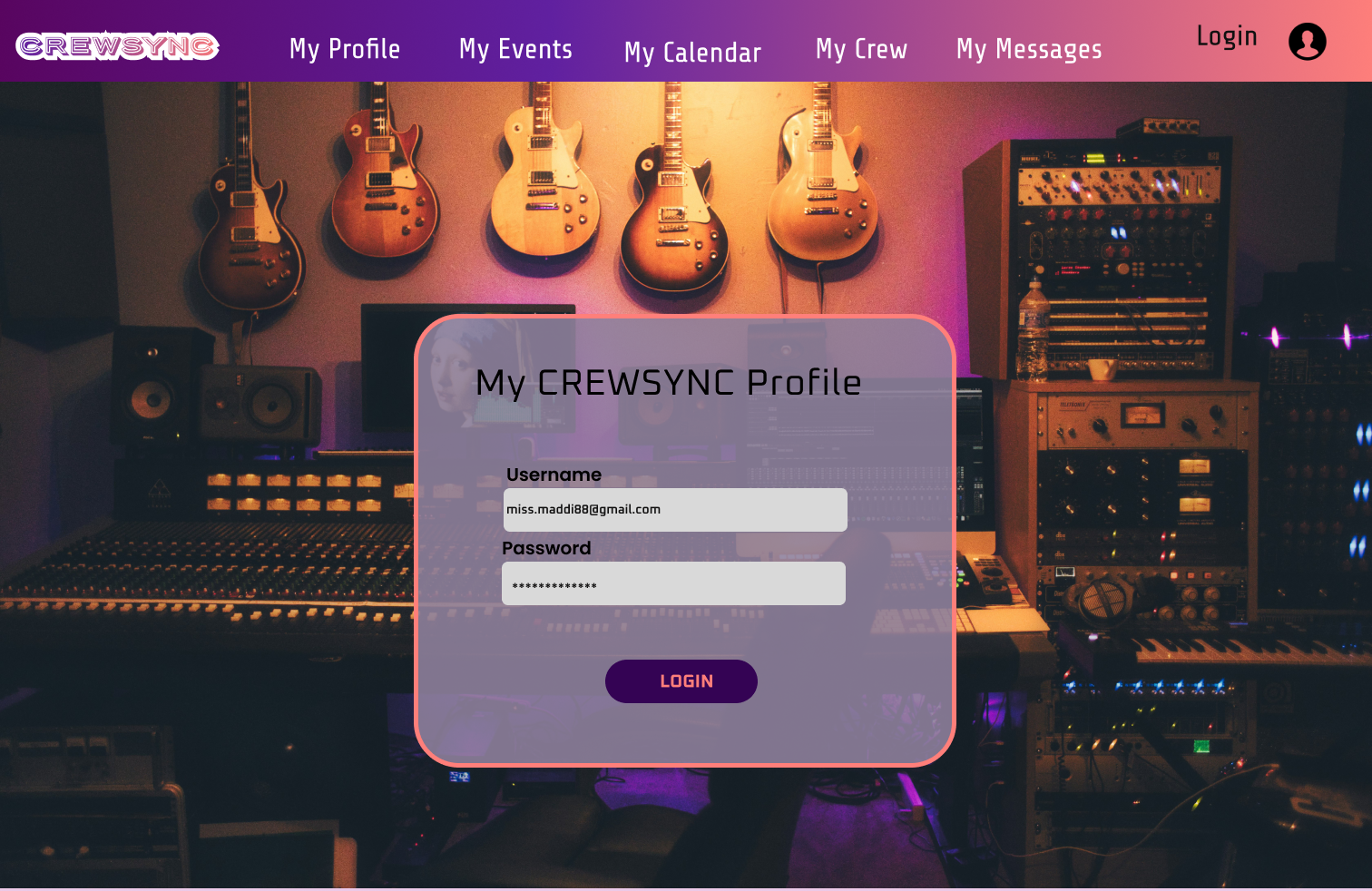
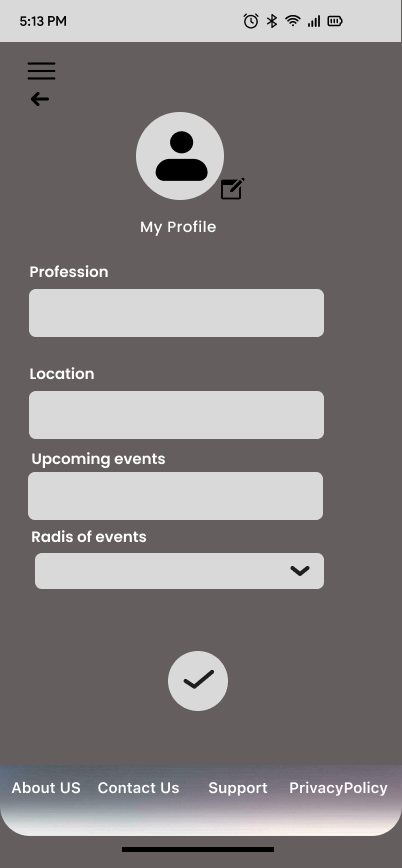
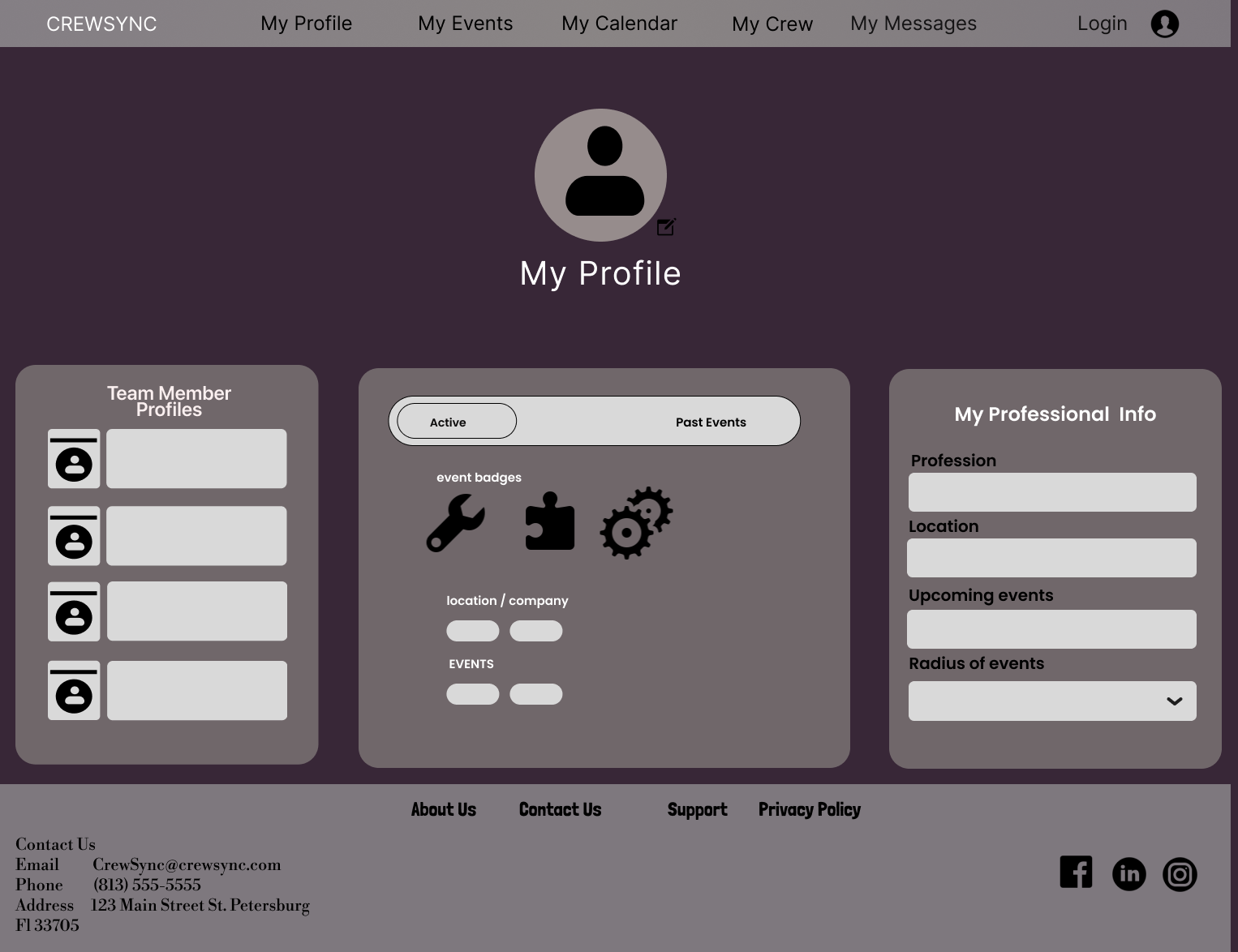
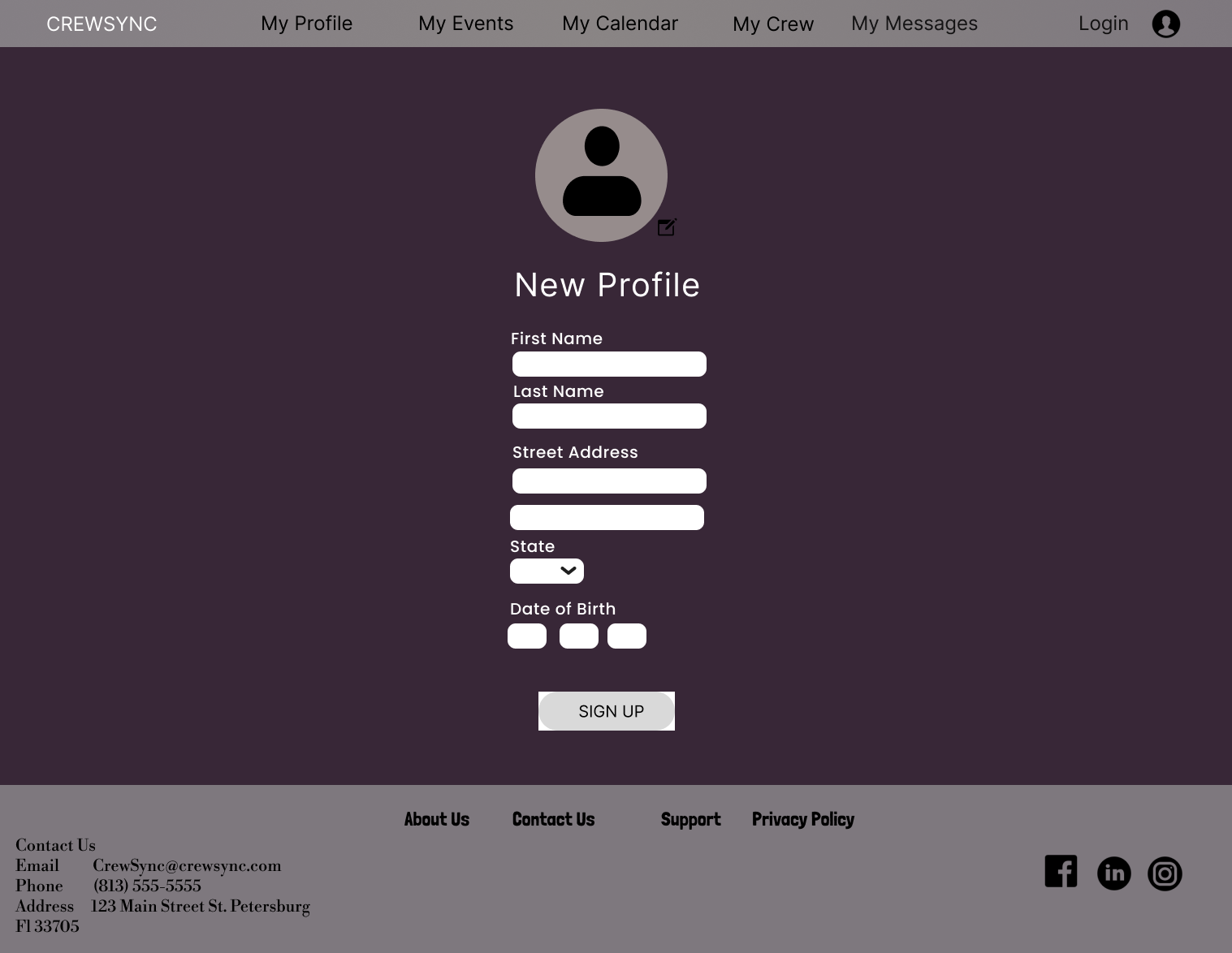
Task Flow 1 — Account Creation Participants were asked to navigate the site, sign up, and build a profile. Success meant a clear, error-free path from landing page to profile.
Key Findings
Most participants moved through the site with minimal friction. A few minor visual bugs surfaced, including text misalignment within one frame, but each was quickly resolved. I had anticipated pushback on the bold color palette, expecting users to see it as unprofessional. Instead, feedback consistently praised the colors as inviting and engaging, validating the Aesthetic and Minimalist Design approach taken earlier.
This round of testing reinforced Help Users Recognize, Diagnose, and Recover from Errors, as I addressed each usability issue immediately after identifying its root cause, rather than letting it persist into the next round.
Recommendations for Iteration
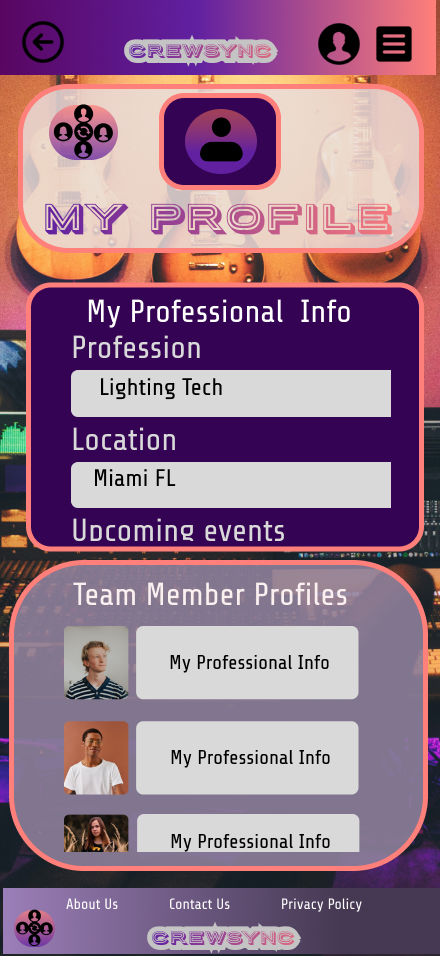
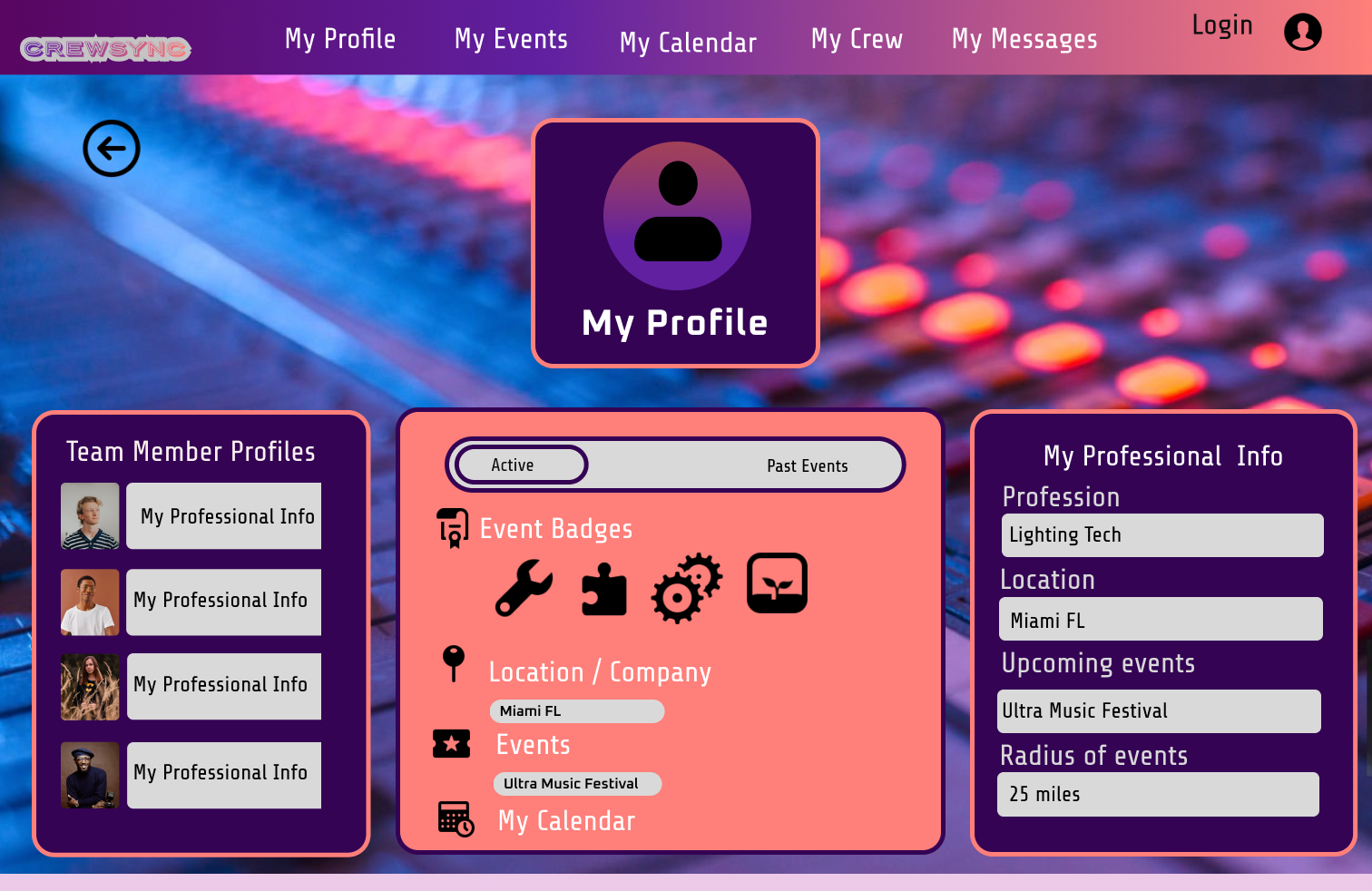
Two priorities emerged for the next design cycle: adding a persistent back button across all screens, and refining the profile page typography to feel more cohesive with the logo's font and improve visual hierarchy.
My LOW FI AND MID FI DESIGNS
Conclusion
This project mattered to me because it tackled a problem I've personally felt on event days — the walkie-talkie that cuts out, the change that never reaches the right person. Research was the part of the process that pushed me furthest outside my comfort zone, but it's also where I grew the most. Being able to isolate a real, recurring problem and use my industry experience to search for a different kind of solution was genuinely rewarding — and watching that process unfold through this capstone made the entire design cycle click into place for me.
I'd love to eventually build CrewSync into a fully realized product. An offline-capable communication tool could genuinely help the millions of people working festivals and events every year stay connected — even after the crowd shows up and the signal drops.
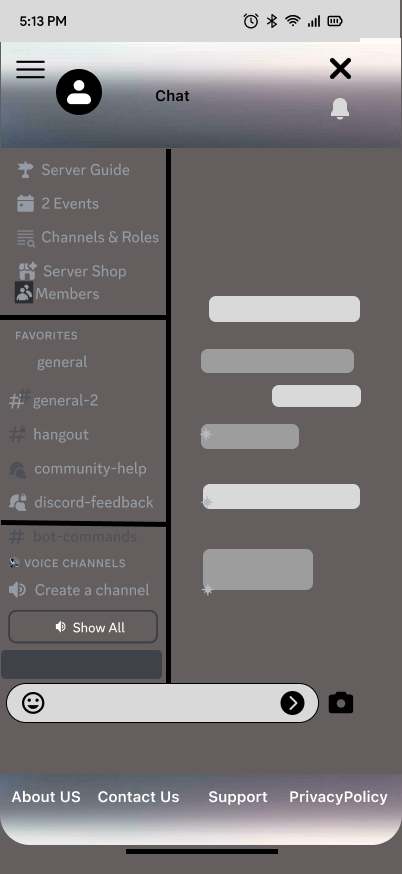
High Fi Designs